Assemblies: full lifecycle
Convocation, quorum, proxies, real-time voting from the resident mobile/portal, minute with electronic signature and verifiable QR.
The Assemblies module covers the whole lifecycle: preparation, convocation, RSVP, attendance check-in, quorum verification, agenda points, real-time voting from the resident mobile app or web portal, closing, and publication of the minute with electronic signature and QR verifiable by third parties.
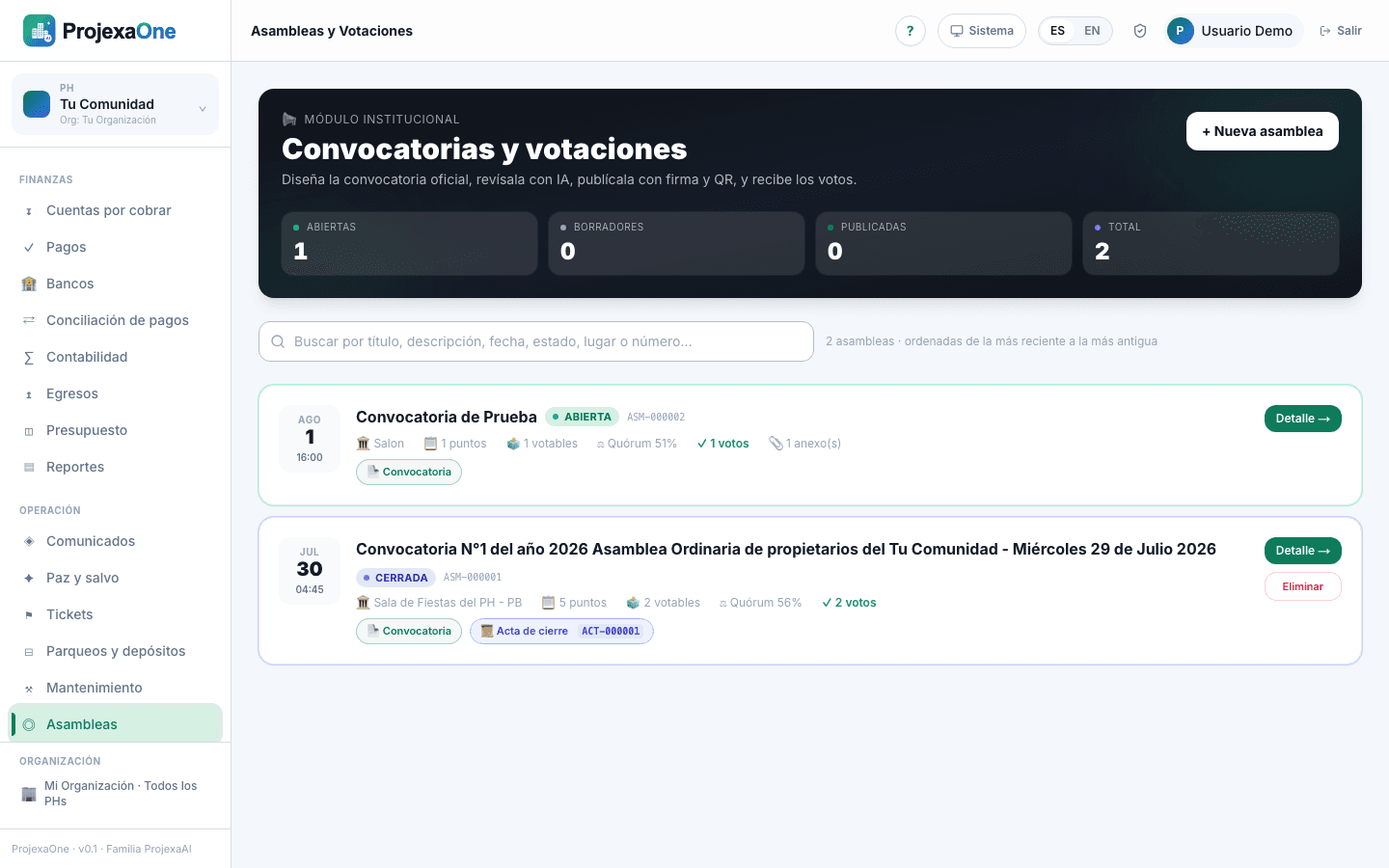
1 · Create the assembly
- 1
Go to Operations → Assemblies → New.
- 2
Set type (ordinary or extraordinary), mode (in-person, virtual or hybrid), date, time, timezone, and place/URL.
- 3
Draft the agenda: each point is informational or requires a vote. Voting points define question, type (Yes/No, multiple choice, simple or qualified majority) and quorum overrides.
- 4
Attach preparatory documents (financial statements, budgets, contracts). They lock once the convocation is sent.
- 5
Save as draft and preview the convocation.
2 · Quorum and proxies
- Method
- By coefficient (quota), per unit or mixed (per HOA bylaws).
- Initial quorum
- Minimum percentage to open the session.
- Second convocation
- Usually lower; auto-applied if the first fails.
- Required majority
- Simple, qualified or unanimous per point.
- Proxies
- Cap per representative; electronically signed proxy document attached.
- Early voting
- Optional per agenda point; open from convocation to session start.
3 · Convocation & RSVP
Sending fires three channels: email with attachments, mobile push, and portal publication. Each resident can:
- Confirm attendance (in-person or virtual).
- Grant proxy to another resident with an electronically signed doc.
- Vote early the enabled points.
- Download agenda and preparatory documents.
4 · Attendance & live quorum
- Present
- App check-in (QR at the door) or manual entry.
- Virtual
- Residents active in the associated virtual room.
- Represented by proxy
- Auto-sum of active proxies.
- Accumulated coefficient
- Live; turns green when quorum is reached.
- Quorum state
- Insufficient / Reached / Reached in second convocation.
5 · Real-time voting (mobile / portal)
- Residents receive a tap in the app and the question appears on their main screen. See Vote from mobile.
- On the web portal a modal appears with the question. See Participate from the portal.
- The admin sees the live tally (bar per option, coefficient and heads), countdown if the vote has a window.
- On closing the point, the system records the result, evaluates majority and moves to the next.
6 · Closing, minute and publication
- 1
The admin closes the assembly from the backoffice.
- 2
The system generates the minute with agenda, attendees, proxies, voting results per point, comments/motions, and financial closing if applicable.
- 3
The minute is electronically signed with the authorized signer certificate (see Configure signer). Includes a public verification QR.
- 4
Published in the portal, emailed to convoked residents, and anchored in HOA documents as Minute #X of year Y.
7 · Audit
Every critical action is recorded in the immutable audit log: creation, agenda changes, convocation sent, opens/closes of voting, each individual vote with timestamp and IP (per permission), minute issue and any annulments. A third party can validate the minute with the QR without signing in.