Clearance certificate: request, validation and issuance
Full flow: request from resident mobile/portal, automatic balance validation, issuance electronically signed with QR and public verification.
A clearance certificate declares a resident has no outstanding debt with the HOA. In ProjexaOne the flow covers from the resident's request to the electronically signed, publicly verifiable issuance for third parties (banks, notaries, institutions requiring it for sale, rental or credit).
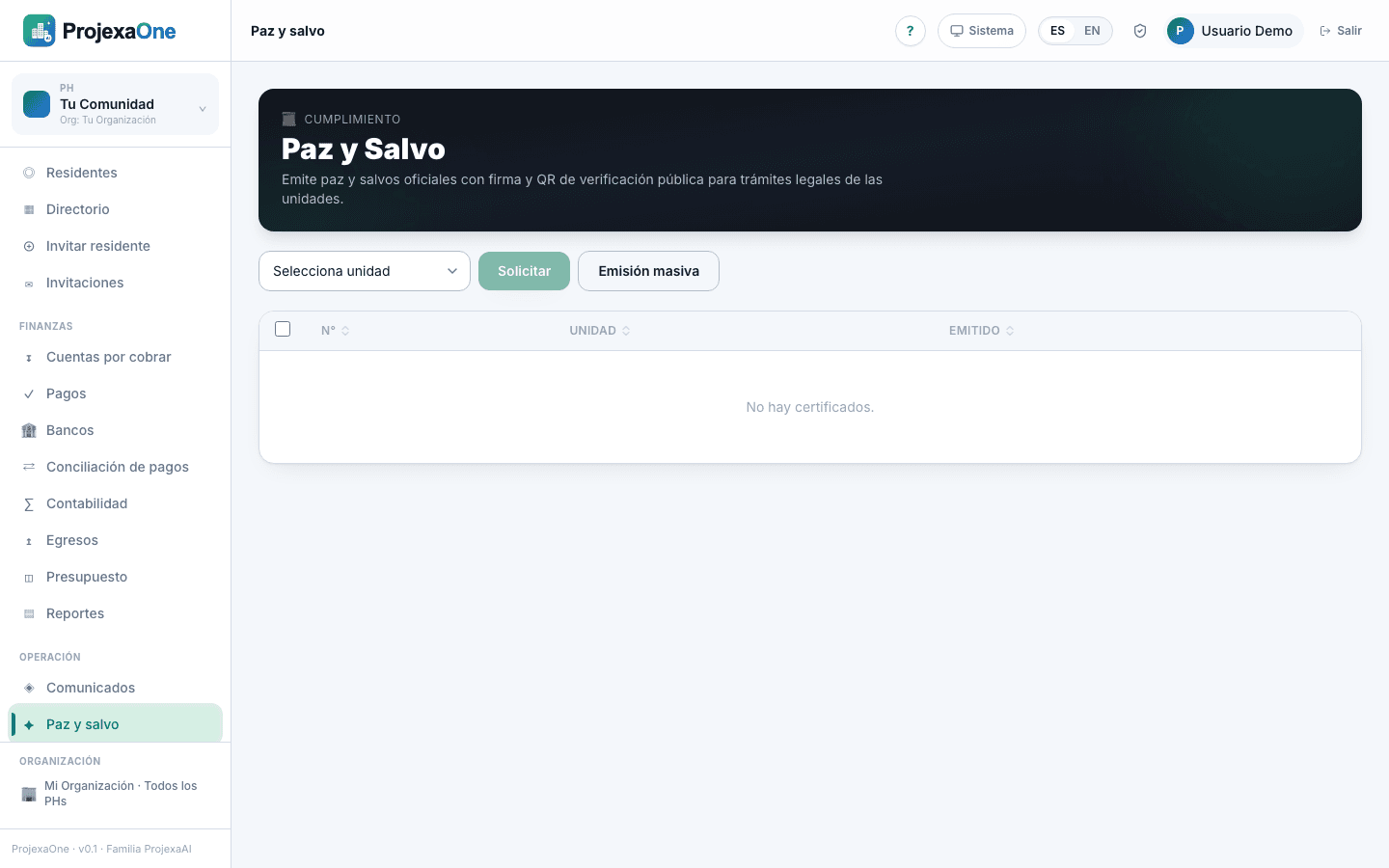
1 · Resident request
Three channels, all converge in the same bandeja:
- Mobile app — see Request from mobile.
- Web portal — see Request from the portal.
- Admin registration when requested in person, from Operations → Clearance → New request.
2 · Automatic balance validation
- Overdue receivables
- Any overdue balance blocks issuance.
- Pending fines
- Block unless there is an approved waiver.
- Payments in review
- Request goes "waiting" until approved or rejected.
- Current period dues
- Configurable per HOA: include or exclude.
- Credit on account
- Auto-deducted before considering debt.
3 · Admin review and approval
- 1
Admin sees the request in Clearance → Bandeja with status "Ready to issue".
- 2
Verifies data: unit, owner, declared period, balance confirmed zero.
- 3
Picks the template (HOA default; variants like "Sale clearance" or "Bank clearance").
- 4
Confirms. Electronic signature and PDF generation fire.
4 · Issuance and e-signature
The generated PDF includes:
- HOA letterhead and logo.
- Consecutive clearance number (
PYS-YYYY-####). - Issue date and validity (30 days default, configurable).
- Unit and owner data.
- No-debt statement with covered period.
- Signer name and title with optional handwritten signature.
- QR code pointing to the public verification page.
- Cryptographic hash of the document for tamper detection.
5 · Delivery to resident
On approval, automatically: emailed with PDF attached, appears in Documents section of portal and mobile app, push to mobile with direct PDF link. A third party can validate scanning the QR (without login).
6 · Void and replace
If an error is found or the resident incurs new debt before expiration, the admin can void with a reason. The public verification page shows Void with reason. To issue a corrected one, generate new; original goes Replaced by PYS-YYYY-####. Version link kept in audit.
7 · Audit
Record of: request (channel + timestamp), balance validation (debt snapshot), review and approval (admin user), issuance (certificate version used), email/push deliveries, downloads, voids and replacements.