Bank reconciliation
Upload statements, auto or manually match payments and detect duplicates or unmatched movements.
Last updated: Version: 1.0HOA Admin
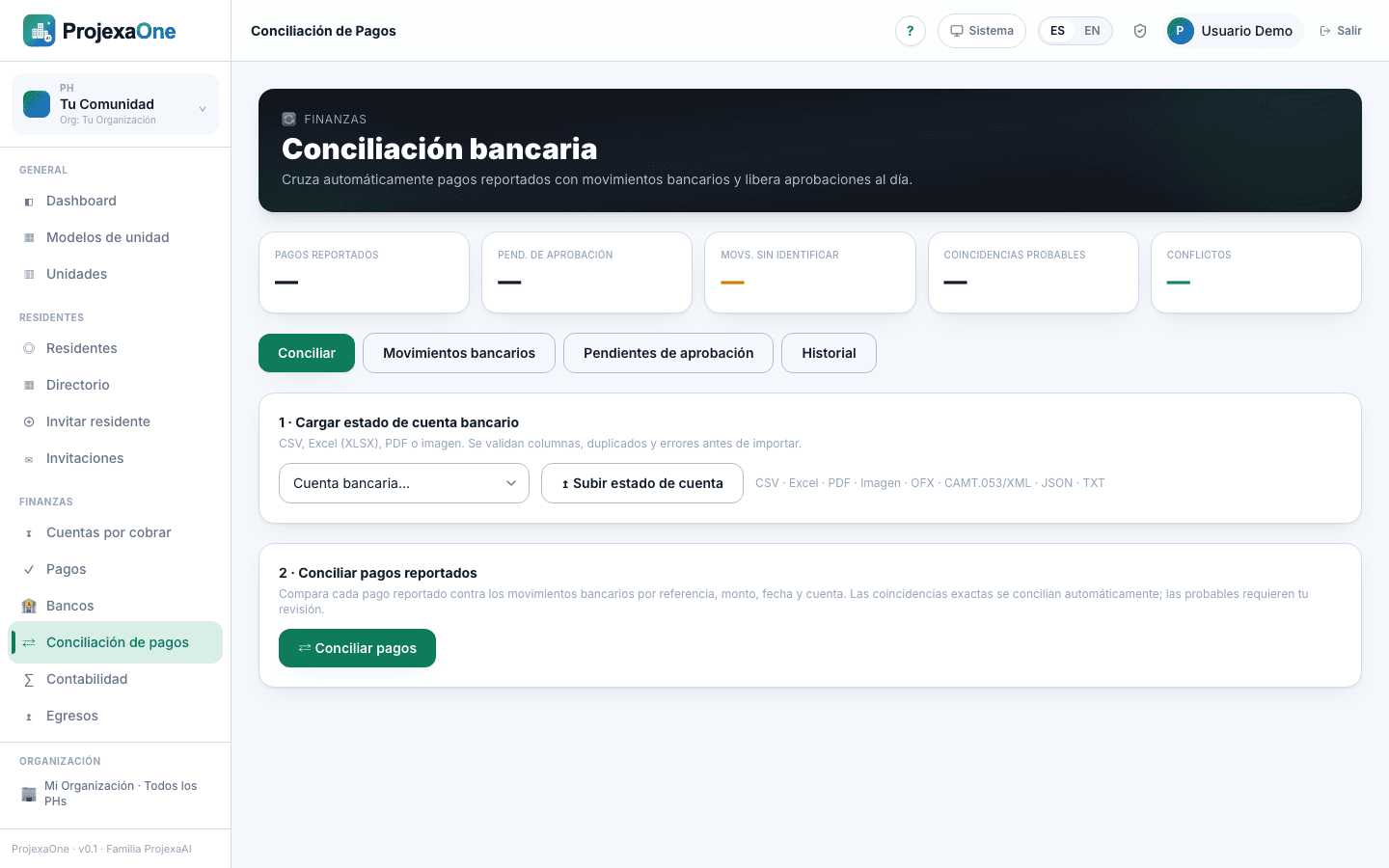
Reconciliation matches bank movements with reported payments. AI suggests; you approve.
Accepted formats
CSV, XLSX/XLS, PDF, TXT, XML, OFX, QFX, MT940 (per bank).
Flow
- 1
Go to Finance → Reconciliation and pick bank/account.
- 2
Upload the statement. Date, amount, description, reference and source bank (when available) are extracted.
- 3
The engine compares against reported payments by amount, reference, date and bank, showing match confidence.
- 4
Review: approve matches, resolve ambiguous ones and mark unmatched movements.
- 5
On confirm, payments move to Reconciled and can then be approved to issue receipts.
Common cases
- Bank duplicate
- Two identical movements on the same date: one flagged duplicate.
- Payment without match
- Kept as reported; can be manually reconciled later.
- Unmatched movement
- Recorded for review; might be a deposit not yet reported.
Related articles
Was this helpful?